Inbound recipes (external services → UNIHUB)
How this is used in practiceCh. 5 Connecting external tools
Screenshots show the Japanese screens; the English screens have the same layout.
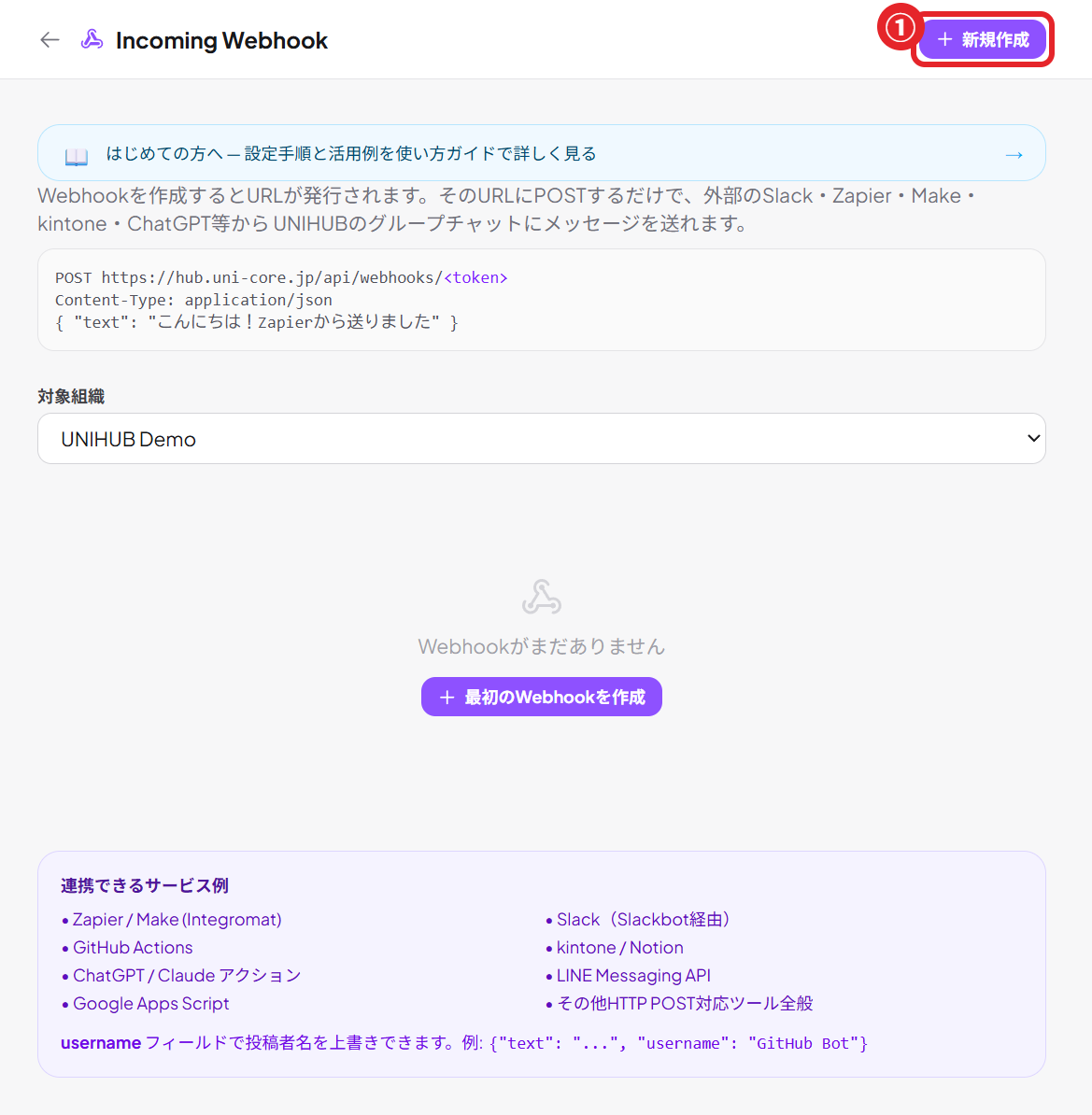
UNIHUB's incoming webhooks accept POST requests from external services and show them in a channel or in 📥 Activity. This page collects concrete steps for connecting Google Forms, Calendly, Typeform, Make, Zapier, and more. First, create a URL at Settings → External services & webhooks → Incoming Webhook.
Only two kinds of JSON to send
(1) Plain text (posted to the chat as is)
{ "text": "A new inquiry has arrived" }
(2) A card (with a heading and fields; best for inquiries, orders, and the like)
{
  "card": {
    "title": "Inquiry: Jane Smith",          // required (up to 200 characters)
    "body": "A question about pricing plans",  // optional
    "source": "inquiry",               // order|inquiry|mention|kpi|generic
    "status": "new",                   // new|ok|warn|error
    "fields": [                        // optional, up to 12
      { "label": "Name", "value": "Jane Smith" },
      { "label": "Email", "value": "jane@example.com" }
    ],
    "source_ref": "form-2026-0001"      // optional; resending the same value is treated as a duplicate (idempotent)
  }
}
Note: Slack-compatible payloads (attachments / blocks) are also supported. Just swap the URL in a Slack workflow and it works.
Recipes by service
Google Forms (Apps Script, copy and paste)
Paste the following into the form's script editor and set the trigger to "On form submit / onFormSubmit". Every response arrives as a card.
function onFormSubmit(e) {
  // (1) Replace with the URL created at Settings → External services & webhooks → Incoming Webhook
  var url = "https://hub.uni-core.jp/api/webhooks/<your-token>";

  // (2) Convert the form answers into fields
  var items = e.response.getItemResponses();
  var fields = items.map(function (it) {
    return { label: it.getItem().getTitle(), value: String(it.getResponse()) };
  });
  var title = fields.length ? ("Inquiry: " + fields[0].value) : "Form response";

  // (3) Send as a card
  UrlFetchApp.fetch(url, {
    method: "post",
    contentType: "application/json",
    payload: JSON.stringify({
      card: { source: "inquiry", title: title, fields: fields }
    })
  });
}
Extensions menu → Apps Script → paste the code above → clock icon (Triggers) → onFormSubmit, event "On form submit".
Calendly (bookings) — via Make
Calendly's native webhook uses its own JSON, so receive it in Make (or Zapier) and convert it to UNIHUB's format.
- In Make, create "Calendly → Watch Events (invitee.created)"
- Add "HTTP → Make a request" and set the URL to your UNIHUB incoming webhook URL
- Method=POST / Body type=Raw / Content-Type=application/json
- Body:
{ "card": { "source": "inquiry", "title": "Booking: {{invitee.name}}", "fields": [{ "label": "Date & time", "value": "{{event.start_time}}" }] } }
Typeform — native webhook + Make
Typeform lets you set a destination under Connect → Webhooks, but putting Make in between is the easiest way to format the body.
- In Make, create "Typeform → Watch Responses"
- Use "HTTP → Make a request" to POST
{ "card": { "source": "inquiry", "title": "...", "fields": [...] } }to the UNIHUB URL
Make / Zapier (general purpose, thousands of services)
For any service, POST the JSON above to your UNIHUB incoming URL from the "Webhook / HTTP" action in Make or Zapier and it arrives. Ideal for bringing several services together.
RSS / Google Alerts (brand monitoring)
Output Google Alerts as RSS, then use Make's "RSS → Watch items" → "HTTP POST" to send { "card": { "source": "mention", "title": "...", "href": "..." } }, and mentions are collected in 📥 Activity.
Receive the same input in several channels
Publish an incoming webhook as a "receive action" under ⚡ Actions, and each channel can turn receiving on or off (subscribe) from the ⚡ icon in its header. Existing destinations stay as they are, and the posts also reach the rooms that need them.